Also by Doseedo
AI soundtracks, 100+ AI instruments and AI vocal tools. One account, one pool of credits.
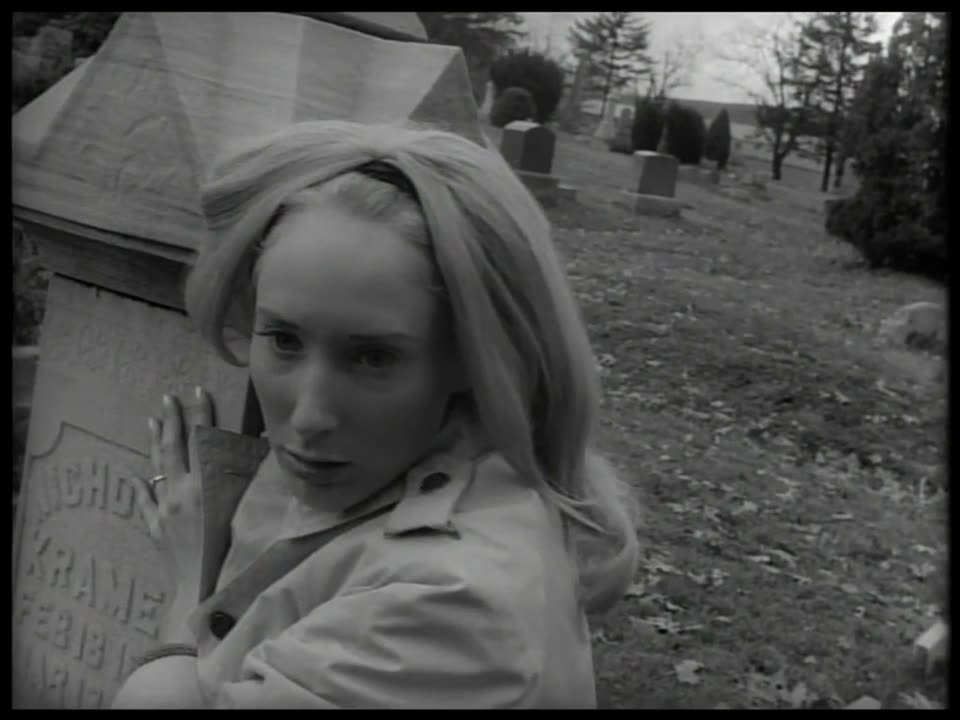 Night of the Living Dead (1968), new soundtrack
AI soundtracks · film scoring
An AI soundtrack for your film or video
An AI composer writes, plays and mixes an original soundtrack to your cut. Your first film score is free with a verified email, up to 300 credits.
Related
Make a soundtrack A Wonderful New World of Fords (1960), new soundtrack
AI commercial music
AI music for commercials and ads
Original music written to the spot: hits on the cuts, the ending on the last frame, every part its own stem. No stock licence.
Related
Score an adNative stems · any DAW
A soundtrack with real stems, MIDI and a DAW session
Every part is played as its own render with its MIDI, so each stem is clean. It opens in Logic Pro, Ableton Live or REAPER.
Related
What is in the sessionSoundtrack MCP
Score a soundtrack from ChatGPT or Claude
Your agent spots the cut, writes the cues, has every part played and gets back the scored video, the stems and a DAW session.
Related
Connect the MCP serverChatGPT & Claude music
Make music with ChatGPT or Claude
ChatGPT or Claude writes every part as notes and Doseedo plays each on its own instrument: audio, MIDI and a project back.
Related
Make music with ChatGPTChristmas music
Royalty-free Christmas music, performed new every time
Public-domain Christmas classics played by the Doseedo orchestra, timed to your ad or video: a new performance every render.
The pieces
Hear the Christmas piecesPublic-domain orchestra
Public-domain classical music for your videos
Classical works played from the score by the Doseedo orchestra, the terms of use on every page. The render you make is yours.
In the catalogue
Browse the catalogueAI instruments
100+ AI instruments, played from your MIDI
Neural models play each part as a performance, not a sample per note: koto, sitar, pedal steel, tabla, harp and more.
Related
Play the tableRealistic MIDI instruments
The instruments MIDI always got wrong
Sax, violin and trumpet are where MIDI gives itself away: machine-gun repeats, no breath, one bow. These play the line as a line.
Related
Render your MIDIAI lyric changer
Change song lyrics with AI, in the same voice
Type new words over a sung take and it is sung again in the same voice and melody, each line on the phrase it replaces.
AI voice enhancer
An AI voice enhancer for sung vocals
Restore vocal re-sings a roomy, noisy or muffled take, clean, in the singer’s own voice. On 8 kHz takes the top end came back within 2 dB.